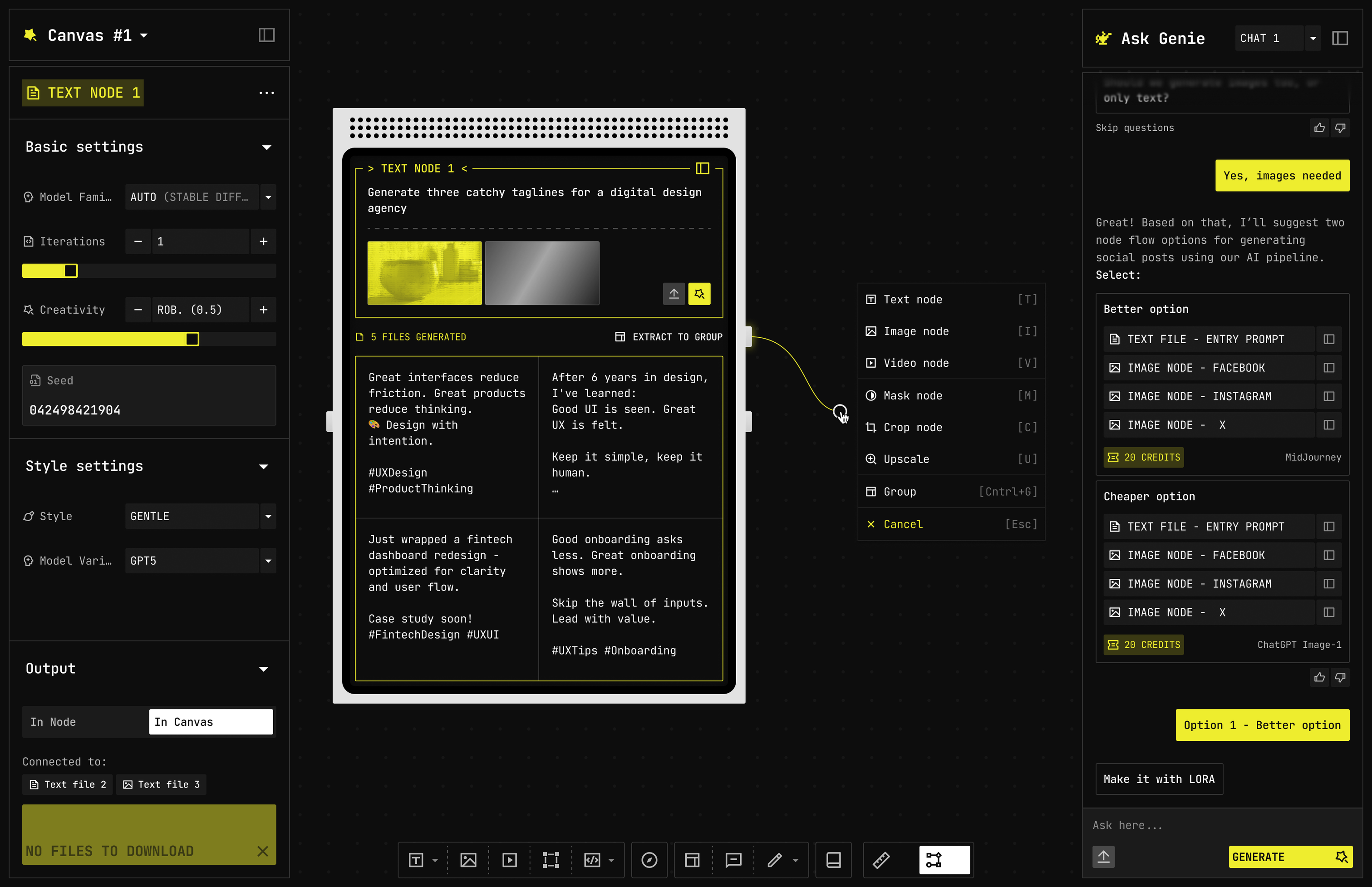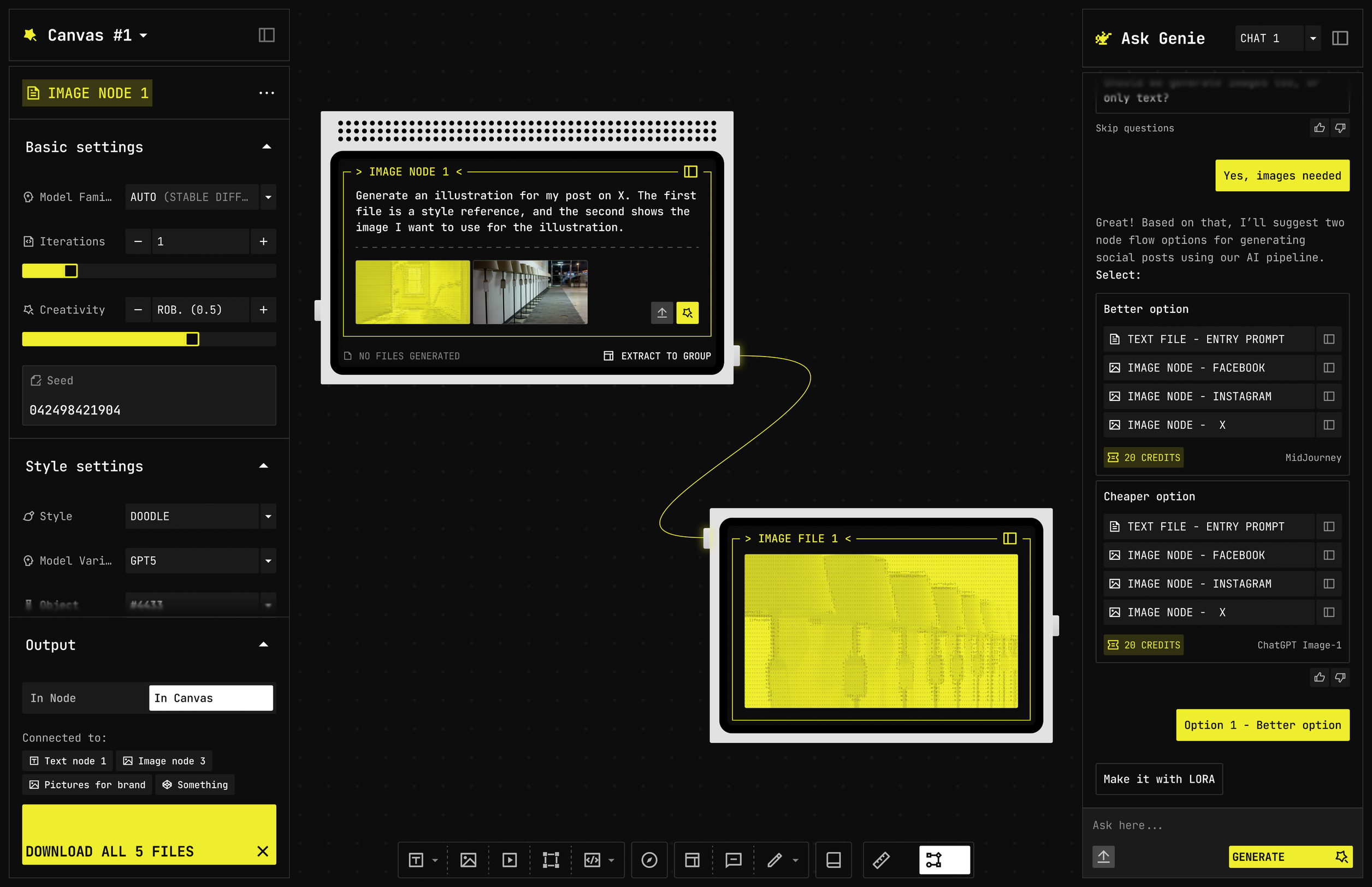
See the run. Point at the step
Left inspector for the selected node. Canvas in the middle. Ask Agent on the right. Library along the bottom. Connect nodes, change settings, download the files together
Five ways to generate. Text feeds the wire
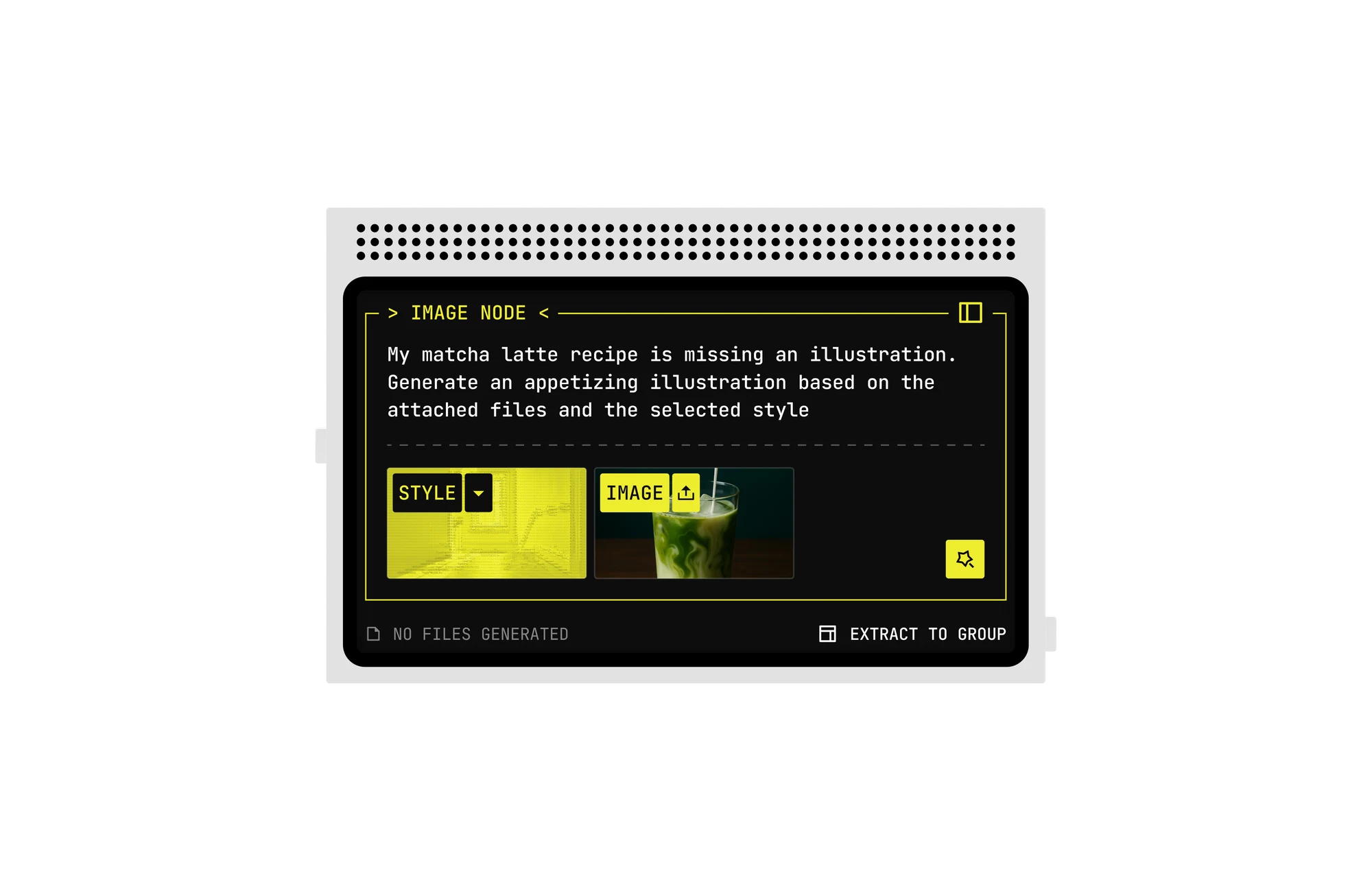
Same canvas. Different engines
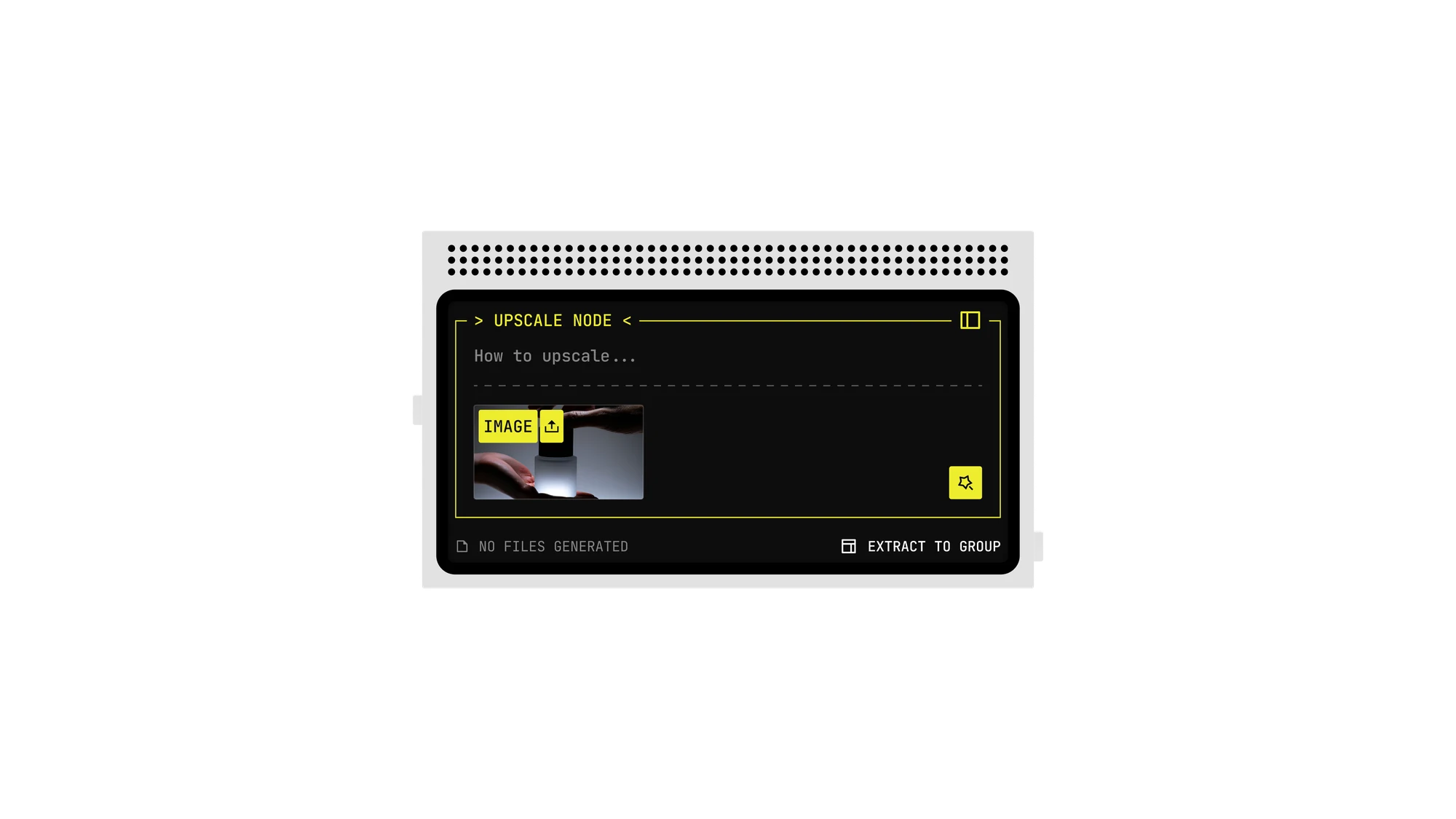
Upscale node
Scale, ratio, and a prompt for how to go bigger
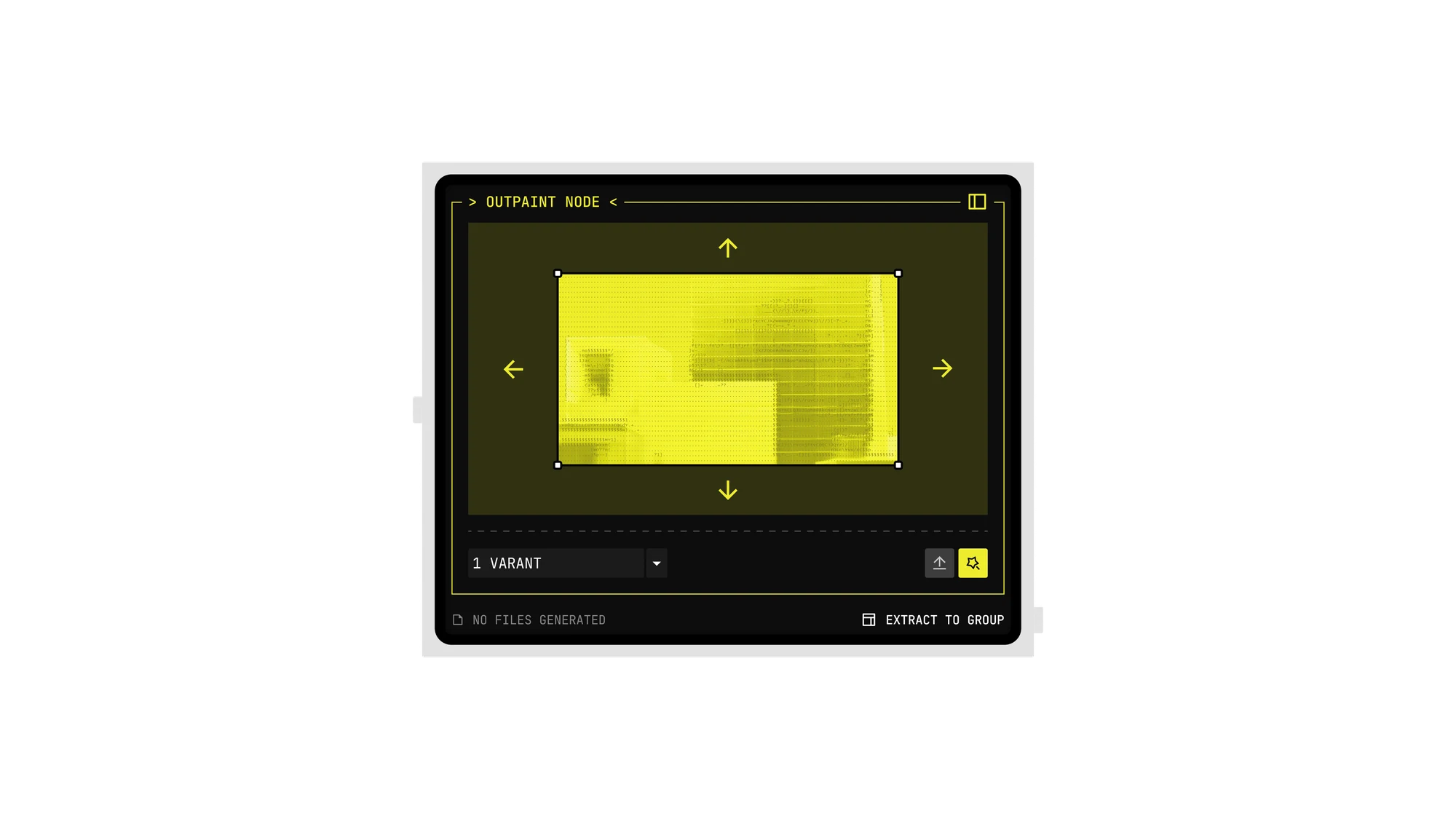
Outpaint
Generative fill on the edges. What to add
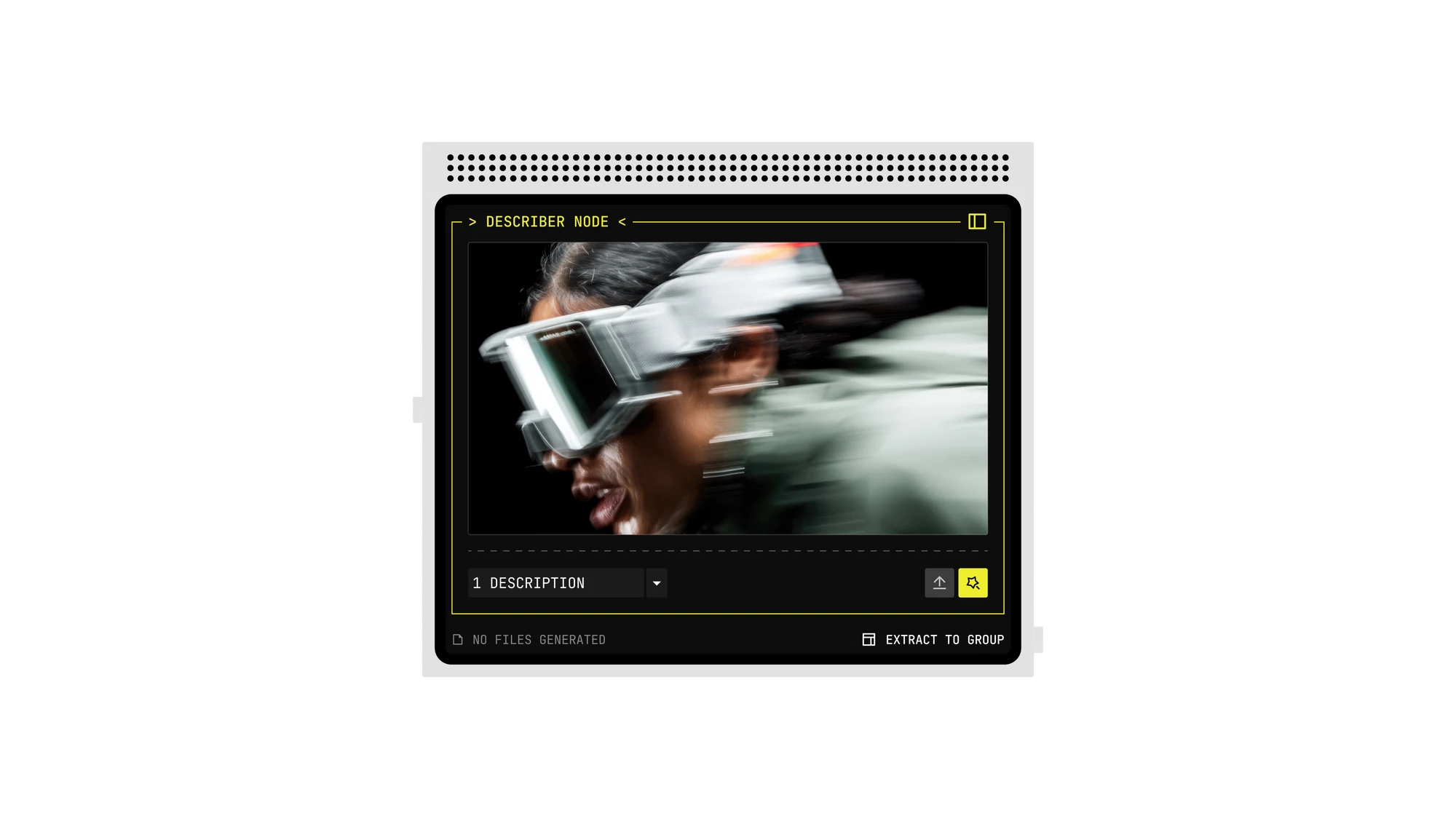
Describer
Still in, captions and tags out
FAQ
Do I have to wire by hand?
No. Ask Agent proposes the graph: describe what you want, answer a couple of questions, and it lays out the nodes and the wires with a credit cost on each option. You can still spawn and connect nodes yourself at any time, and you can mix both. Let Nodezy draft the graph, then rewire the part you care about.
What’s Creative coding?
A main node: references in, creative-effect code out. Not a filter slider.
Can I edit after generate?
Yes. Crop, mask, upscale, outpaint, describer and ControlNet all live on the same wire, so you keep editing the result instead of starting over. Each edit is its own node: change one step, re-run only what comes after it, and keep every earlier result. Nothing is flattened into a single image you cannot go back into.
Where do my flows go?
Into the Library on the canvas. Select a group of nodes and choose Save as flow to keep it as a reusable flow. Private models and flows stay in your drawer unless you publish them.