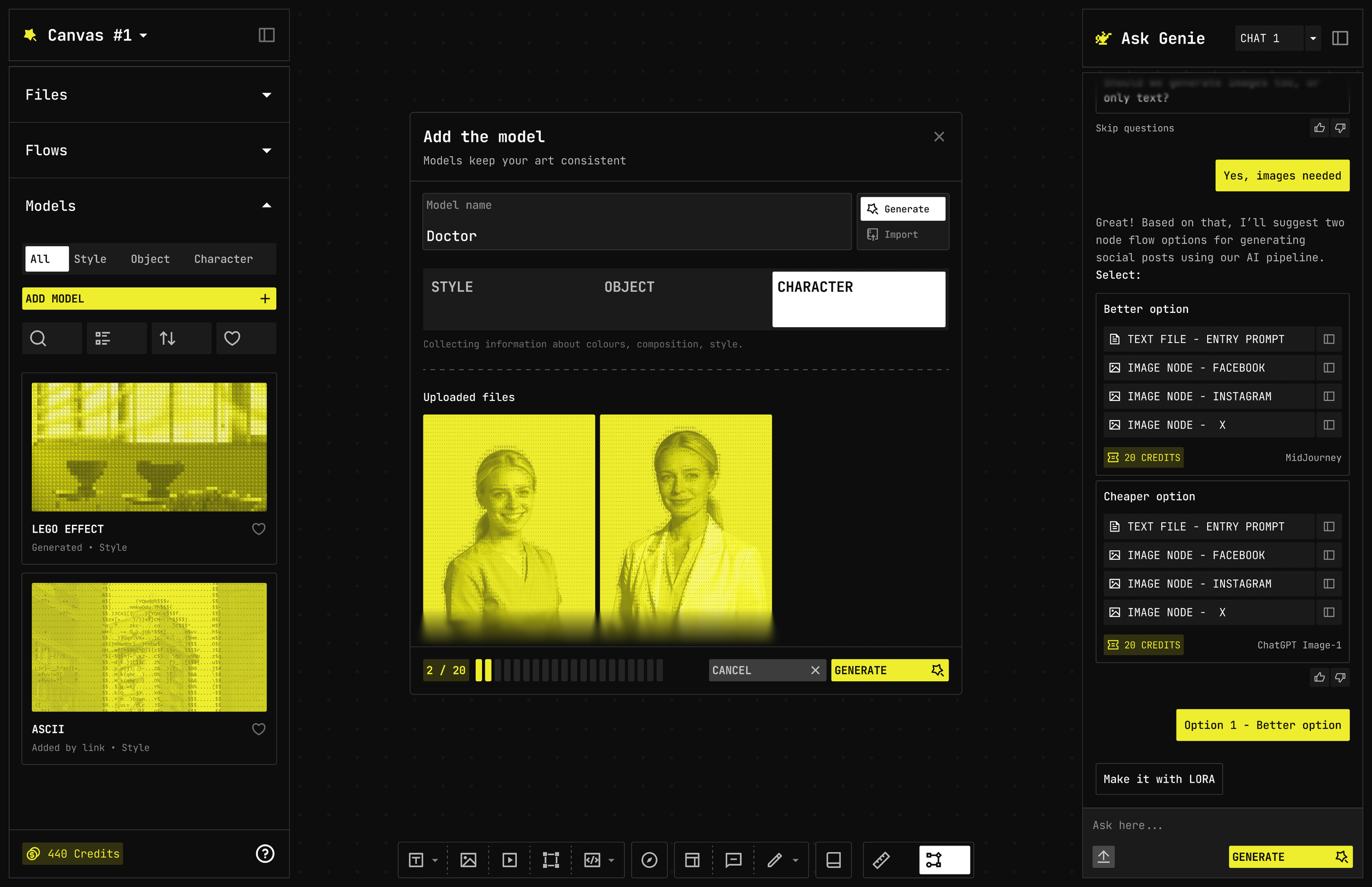
Files, Flows, Models. Filter All / Style / Object / Character. Search. Sort. Heart the ones you reuse. + Add opens the popup — not another app.
Make one, or bring one in
Same list. Two doors
Train
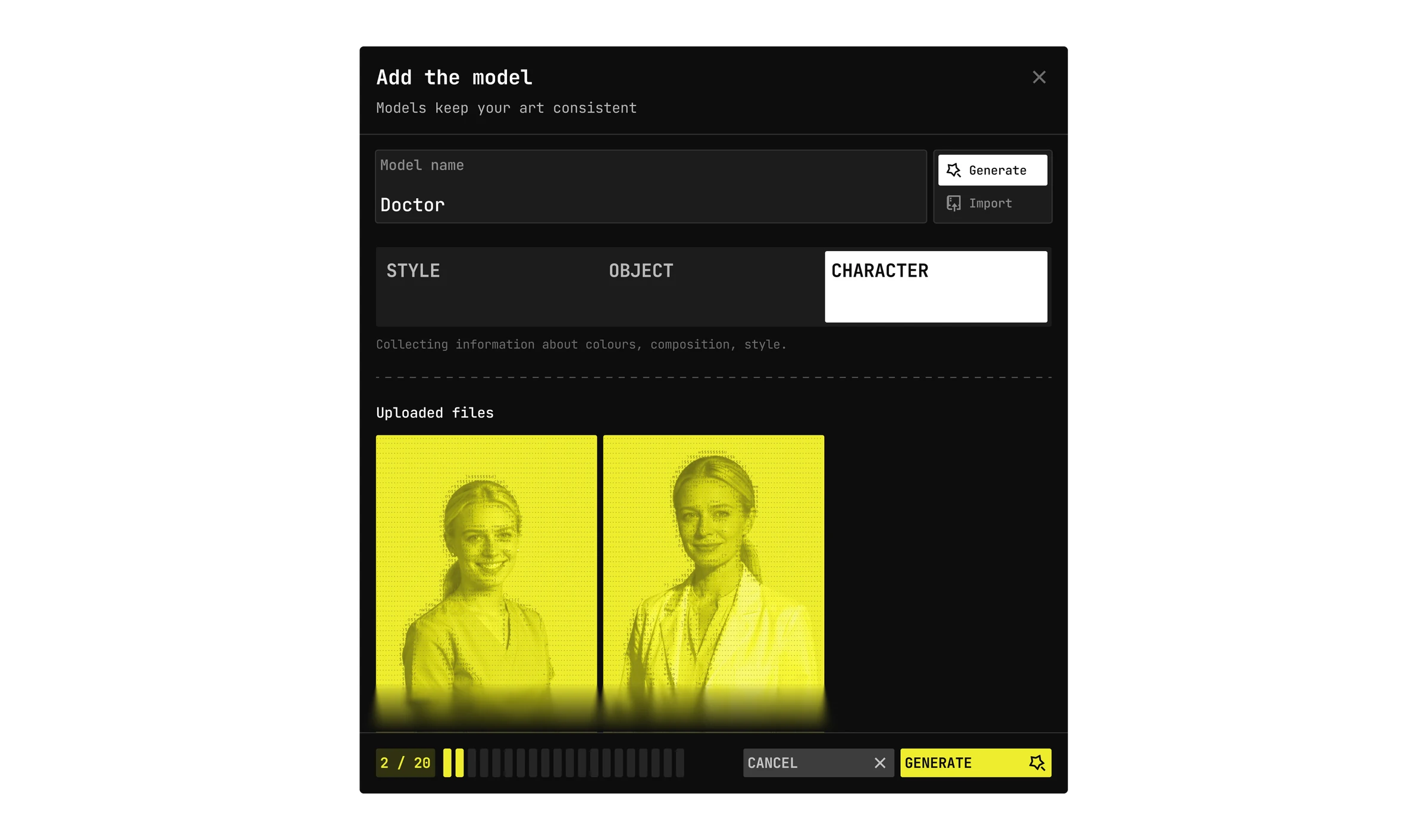
Name, type (Style / Object / Character), drop up to 5 refs, generate the model
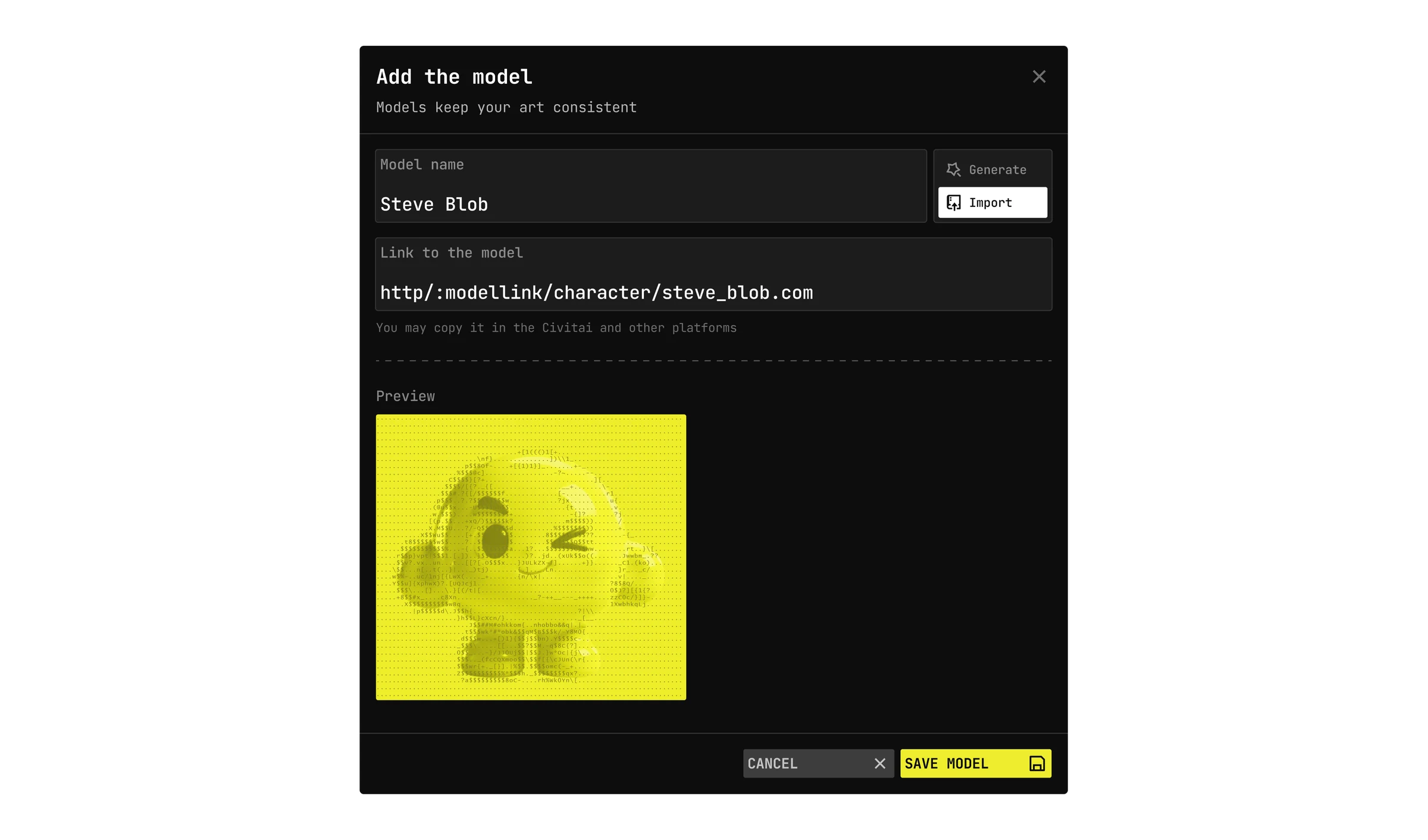
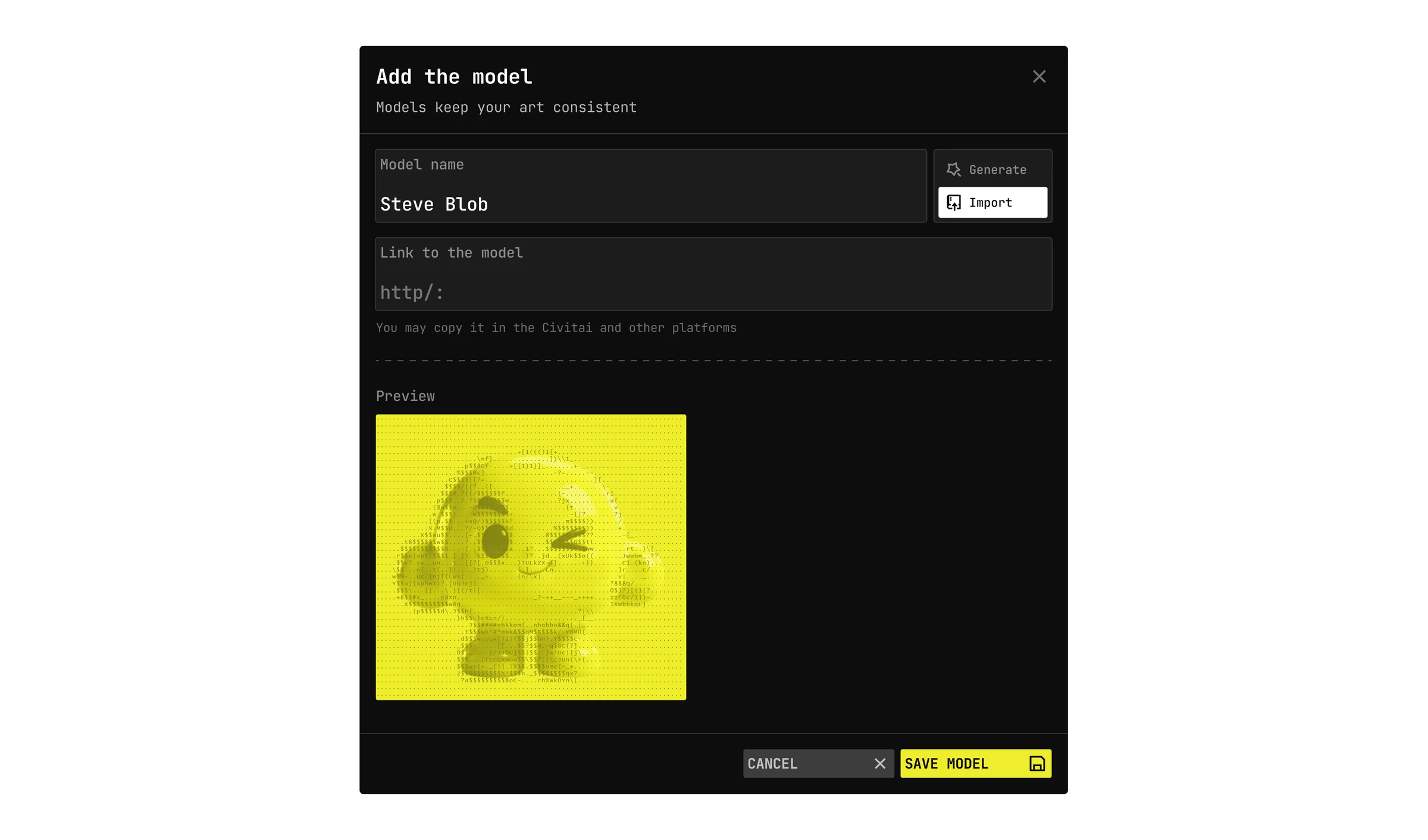
Import
Paste a link from Civitai or another model host. Preview fills in. Save to the list
Identity fails in the dataset, not in the sampler
Small frames, odd ratios, baked-in text wreck training. The popup flags them before you spend
Too small
>
Outpaint or Upscale
Odd ratio
>
Outpaint or Crop
Text in the frame
>
Keep or Inpaint
Too small
>
Outpaint or Upscale
Odd ratio
>
Outpaint or Crop
Text in the frame
>
Keep or Inpaint
Apply all fixes. Then generate
A LoRA is a slot, not a secret prompt
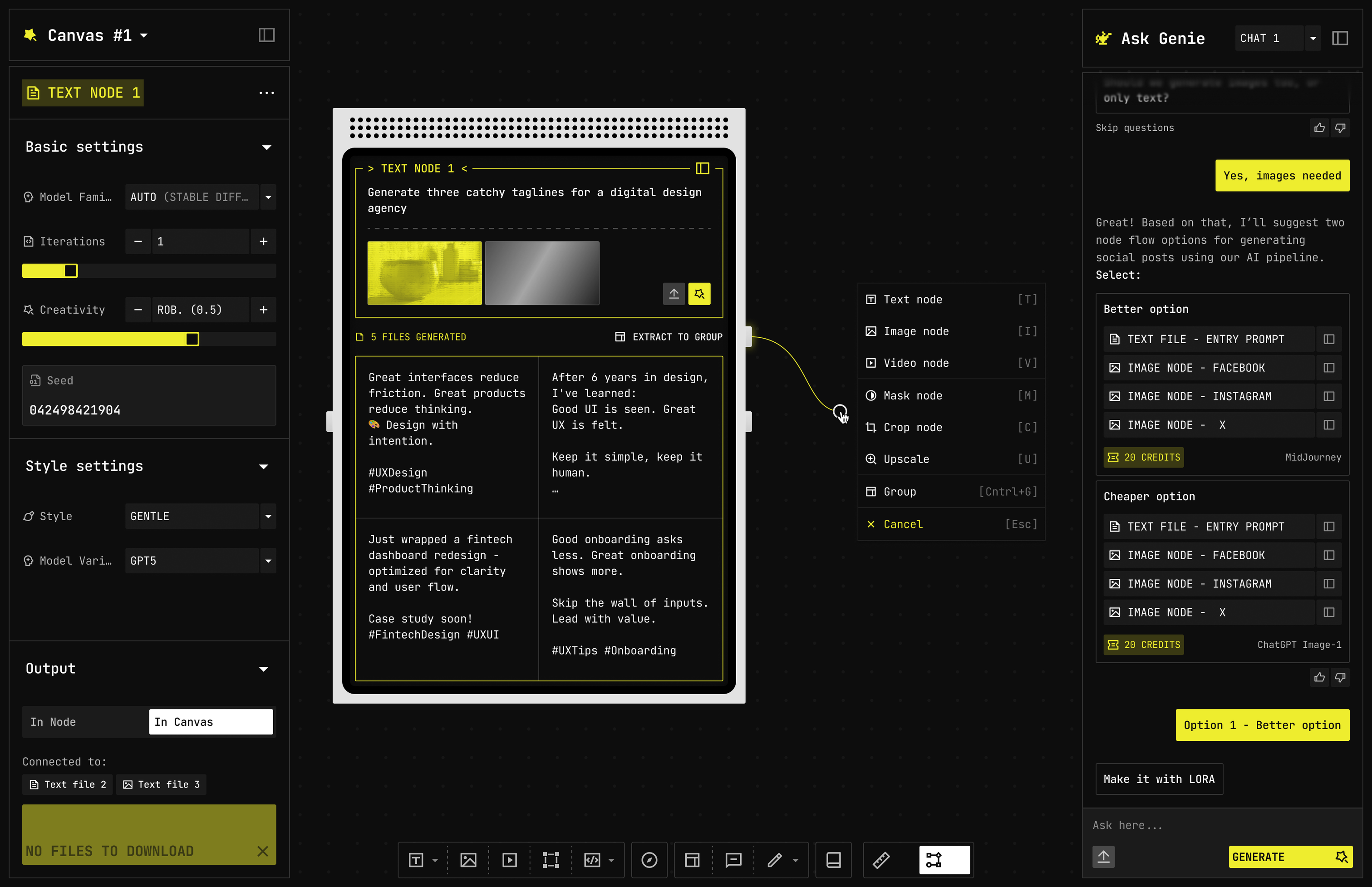
Pick Style, Object, or Character on the Image or Video node. Ask Agent can close the graph with Make it with LoRA. Community models land in the same drawer. You stop prompting the face and start directing the scene
How it locks: look, thing, or face. Style keeps a look (palette, texture, brushwork) across anything you generate. Object keeps one specific thing, like a product or a prop, recognisable from different angles. Character keeps a face and a person consistent across scenes. It is the same trainer underneath; what changes is the kind of reference set you give it and what it holds on to.
Where does the import link come from?
A public model URL: Civitai and similar hosts. Paste it, preview it, save it. You are not training; you are filing it. The imported model lives in your library like any other, and you can wire it into a graph.
Does Signal include training?
Browse and import, yes. Training is Studio and Atelier.
Can someone else run my character?
Only if you publish it. Private models stay in your drawer, and nobody else can run them or even see them. Publish a character and anyone can run it from the listing, and paid runs cut you in.
We use cookies
Cookies keep Nodezy running, show how the site is used, and help us improve it. You choose what to allow
Cookie preferences
Pick what to allow. Essential cookies stay on — the studio cannot run without them
Essential (always on)
Pick what to allow. Essential cookies stay on — the studio cannot run without them
Preferences
Remember your settings across visits
Marketing
Campaign measure and more relevant content
Analytics
How people use Nodezy, so we can improve the graph — not the ads